Local AI 101: what your own machine can run
A phone or an 8 GB laptop handles most everyday AI jobs, and video needs 32 GB. How much memory local AI needs, and the command that tells you what yours has.
Read More
Sorting files by extension is easy and nearly useless: a folder of forty PDFs is still a folder of forty PDFs. Sorting them by what they actually contain is the useful version, and there are good cloud tools that do it today.
They all share one property, though, and it is worth saying plainly: to sort your documents by content, they upload your documents. Not thumbnails, not metadata, the files themselves. The folder people most want tidied is usually the one holding invoices, contracts, payslips, tax letters, and a photo of a passport, which is to say the exact set of documents nobody should be casually handing to a third party so it can be filed into the right subfolder.
That is not a flaw in those products. It is what happens when the model runs somewhere else. Move the model onto the machine the files are already on, and the whole question disappears: there is no upload, so there is nothing to trust anybody with, nothing to read a privacy policy about, and nothing sitting in a bucket after you cancel.
So we built QVAC Desk Tidy: an illustrative example, not a product, that sorts a folder by content, entirely on-device. It is built on the QVAC SDK, and the point is the pattern, so you can clone it and make it your own. See it in our demo video below:
Repo: github.com/tetherto/qvac-examples (the qvac-desk-tidy example).
Point it at a folder. Nothing moves until you say so.
It handles the mess a real folder contains: text files and PDFs by reading them, screenshots and photos by looking at them, and code, installers, and archives by their extension, because for those the extension genuinely is the answer.
Spec | Recommended |
|---|---|
RAM | 8 GB minimum, 16 GB recommended |
Free disk | about 0.3 GB for text only, about 1.8 GB with images |
GPU | works on CPU, slower |
OS | macOS 13+, Windows 10+, or Linux |
Runtime | Node.js 22.17 or newer |
Two models are fetched on first run into the shared ~/.qvac cache: a small text classifier always, and a vision model only if the folder contains images or scanned PDFs. A text-only folder never downloads the second one.
Not sure your machine can handle it? Run npx -y @qvac/cli doctor.
macOS protects Desktop, Documents, and Downloads. Run the app from a terminal and the permission is attributed to the terminal, not the app, so a bare permissions error can look like a bug when it is not. The clean way round it is to pick folders through the app's own Choose a folder dialog: a folder chosen that way comes with consented access, and works anywhere, not only on the Desktop.
git clone https://github.com/tetherto/qvac-examples
cd qvac-examples/qvac-desk-tidy
npm install
npm start
Choose a folder, read the plan, apply it. QVAC is open source (Apache 2.0) and free. Docs: docs.qvac.tether.io. If you build something with it, star the repo and show us.
This is not a QVAC product. It is an illustrative example, provided "as is", to show what a local AI app can do with the QVAC SDK. It moves your files, so read the plan before you apply it and keep a backup of anything you cannot afford to have reorganised. You alone are responsible for how you use it.
A phone or an 8 GB laptop handles most everyday AI jobs, and video needs 32 GB. How much memory local AI needs, and the command that tells you what yours has.
Read More
We built Genesis III to push small models as far as they can go on STEM. A 1.7B model trained on it answers more than twice as many questions correctly as the same model trained on the open alternative, from an identical token budget.
Read More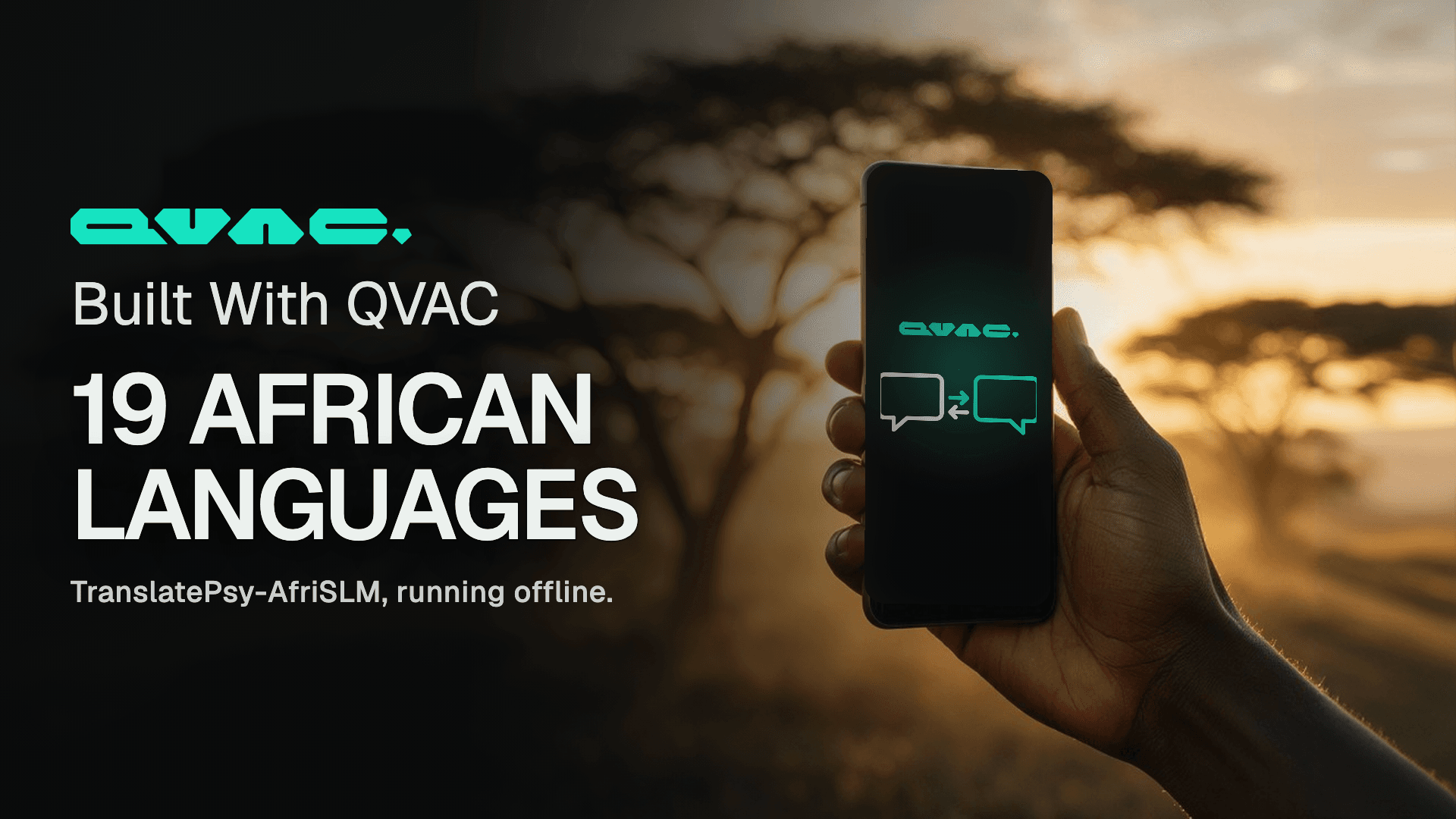
TranslatePsy-AfriSLM is our translation model for 19 African languages, small enough to run on a phone. We built a demo on it: paste text or photograph a page, and read it in your language, with no connection and nothing to pay.
Read MoreA phone or an 8 GB laptop handles most everyday AI jobs, and video needs 32 GB. How much memory local AI needs, and the command that tells you what yours has.
Read MoreWe built Genesis III to push small models as far as they can go on STEM. A 1.7B model trained on it answers more than twice as many questions correctly as the same model trained on the open alternative, from an identical token budget.
Read MoreTranslatePsy-AfriSLM is our translation model for 19 African languages, small enough to run on a phone. We built a demo on it: paste text or photograph a page, and read it in your language, with no connection and nothing to pay.
Read MoreStay updated
New versions, breaking changes and migration notes - straight to your inbox. No spam, unsubscribe anytime.