Built with QVAC: a smart security camera that sees and reasons, fully on-device
A real security camera uploads your driveway, your face, and your neighbours to someone else's cloud. To show local AI does not have to, we built a demo (an illustrative example, not a QVAC product) that detects people, vehicles, and bags, judges whether a scene looks normal or high-risk, and raises an alarm, all on your own machine, with no frame ever leaving the device.
T
Thomas Blanc
Security cameras have a privacy problem hiding in plain sight: to be "smart", most of them stream your front door to a company's servers, where your footage becomes someone else's data to keep. The useful part (spotting a person, flagging something wrong) and the safe part (nobody else sees your home) pull apart.
Running the AI on the device closes that gap. To show what that looks like, we built QVAC Smart Camera: an illustrative example, not a product, that watches a scene, understands what is in it, and decides whether to raise an alarm, entirely on-device. It is built on the QVAC SDK, and the point is the pattern, so you can clone it and make it your own.
It draws colour-coded boxes around people, vehicles, animals, and bags as they move through the frame.
When a person appears, a vision-language model judges the scene. A resident walking up in daylight reads as normal. A masked figure prowling a parked car at night is flagged high risk, and an on-screen alert, a border flash, and an alarm sound fire at once.
Every event is logged with a timestamp, a cropped thumbnail, and a one-sentence description of what happened.
The capability: on-device vision
This demo uses QVAC's on-device vision stack: real-time object detection plus a vision-language model that can look at a frame and reason about it in plain language. Two models cooperate, both 100% local:
YOLOv10-M (ONNX) for fast object boxes, through @qvac/onnx.
Qwen3-VL 2B (GGUF) for the scene description and the NORMAL / ALERT verdict, through the QVAC SDK.
The risk verdict is a hybrid, so it stays reliable on a small model: the vision-language model writes the reason, and a simple deterministic rule (a person right next to a vehicle, at night, inferred from frame brightness) guarantees the alarm fires on the classic "someone at the car in the dark" case. The browser only smooths boxes and checks brightness. No external CDN, no cloud call.
Why local makes sense here
Your footage stays put. Frames never leave the device, so there is no stream to intercept, no cloud library of your home, nothing to subscribe to.
Works offline. No network, no problem.
Free to run. No per-event or monthly cloud bill. The models download once and cache.
Recommended hardware
RAM: 8 GB minimum, 16 GB comfortable.
Disk: about 1.6 GB for the models, downloaded once.
GPU: optional. Apple Silicon (CoreML / Metal) or Windows (DirectML) accelerate it; CPU works, slower.
OS / runtime: macOS 13+, Windows 10+, or Linux; Node.js 20+.
Not sure your machine can handle it? Run this:
npx -y @qvac/cli doctor.
Get it
git clone https://github.com/tetherto/qvac-examplescd qvac-examples/qvac-smart-cameranpm install# generate the object model once (see models/README.md)npm start
Open http://localhost:3080, choose a clip or a webcam, pick what to alert on, and start monitoring. QVAC is open source (Apache 2.0) and free. Docs: docs.qvac.tether.io.
A note on what this is
This is not a QVAC product and not a real security or surveillance system. It is an illustrative example, provided "as is", to show what a local AI app can do with the QVAC SDK. You alone are responsible for how you use it, including complying with applicable privacy, recording, and surveillance laws and obtaining any consent required.
We built Genesis III to push small models as far as they can go on STEM. A 1.7B model trained on it answers more than twice as many questions correctly as the same model trained on the open alternative, from an identical token budget.
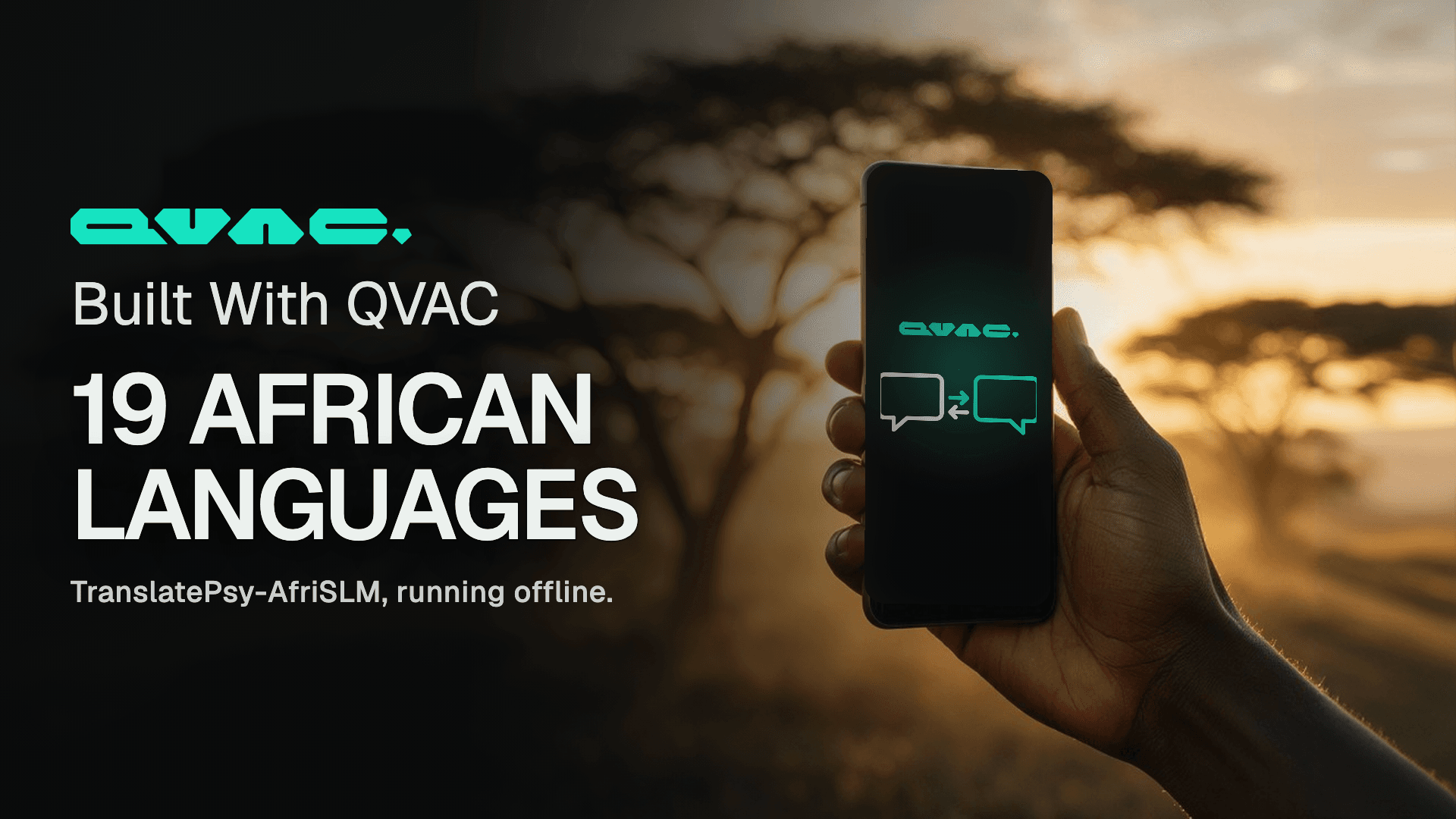
TranslatePsy-AfriSLM is our translation model for 19 African languages, small enough to run on a phone. We built a demo on it: paste text or photograph a page, and read it in your language, with no connection and nothing to pay.
Our engineering team has been optimising the QVAC audio stack, so we measured it. We put qvac-fabric-speech.cpp against the open-source engines people run for transcription, speech synthesis and music generation, on four machines and six GPU lanes, timing every engine from outside its own process so that nobody's own stopwatch is quoted. QVAC leads on the GPU lanes we measured, across every vendor. Here is each number, and how we took it.
We built Genesis III to push small models as far as they can go on STEM. A 1.7B model trained on it answers more than twice as many questions correctly as the same model trained on the open alternative, from an identical token budget.
TranslatePsy-AfriSLM is our translation model for 19 African languages, small enough to run on a phone. We built a demo on it: paste text or photograph a page, and read it in your language, with no connection and nothing to pay.
Our engineering team has been optimising the QVAC audio stack, so we measured it. We put qvac-fabric-speech.cpp against the open-source engines people run for transcription, speech synthesis and music generation, on four machines and six GPU lanes, timing every engine from outside its own process so that nobody's own stopwatch is quoted. QVAC leads on the GPU lanes we measured, across every vendor. Here is each number, and how we took it.