A phone or an 8 GB laptop handles most everyday AI jobs, and video needs 32 GB. How much memory local AI needs, and the command that tells you what yours has.
T
Thomas Blanc
Our Local AI 101: Part 1 matched each everyday job to a model. Whether that model runs on your own machine depends mostly on how much memory the machine has, and one command tells you.
How much memory you need
A model has to fit in your RAM the whole time it works, so RAM sets the limit. The processor and the age of the machine matter far less.
On top of its own size, a model needs room for its KV cache, a running record of the conversation that grows with every message. We explained how the KV cache works in a thread on X.
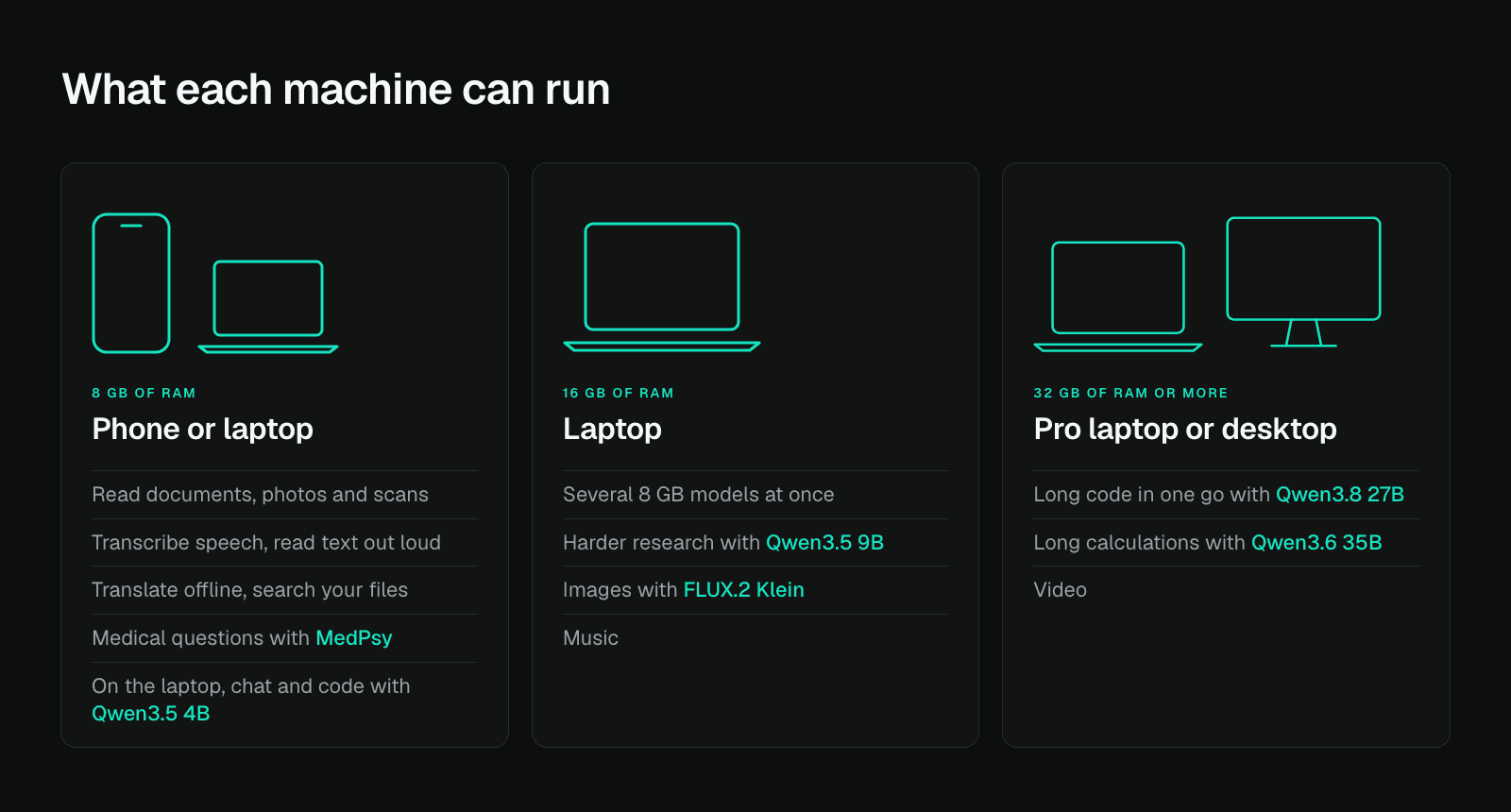
A model can only use the RAM that is free, and your browser and other apps already take some of it. The three groups below account for that, so you can go by the RAM listed in your machine's specs.
On a phone, or a laptop with 8 GB of RAM, small models read documents and photos, pull text off scans, transcribe speech, read text out loud, translate offline, search your own files and answer medical questions. On the laptop, Qwen3.5 4B also handles general research, chat, writing code and questions about a screenshot.
With 16 GB, a laptop can run several of those models at once, and bigger ones fit: Qwen3.5 9B for harder research and longer answers, FLUX.2 Klein for images, and music generation.
At 32 GB or more you can generate long stretches of code, run long calculations and make video.
Check your machine
Open a terminal and run the command below. You need Node.js first, a free download from nodejs.org.
npx -y @qvac/cli doctor
The command prints how much memory your machine has, how much of it is free right now and what graphics support it found. The total tells you which of the three groups above your machine belongs to.
The QVAC SDK itself installs from npm for JavaScript or from PyPI for Python. Each model downloads the first time you use it, anywhere from a few hundred megabytes to a few gigabytes, and stays cached, so only the first run makes you wait. A few models, AfriSLM among them, are not in the QVAC catalogue and load from Hugging Face.
We benchmarked Qwen3.5 4B, Qwen3.5 9B and Qwen3.6 35B on the same MacBook Pro with 36 GB of RAM, all running locally. The 4B tied the 9B on reasoning and was the fastest of the three, and only the 35B cleanly handled the two creative tasks, a drawing and an animation. The full numbers are in our benchmark thread on X.
Plenty of jobs need only a small model, so we build ours to run on the phone people already carry.
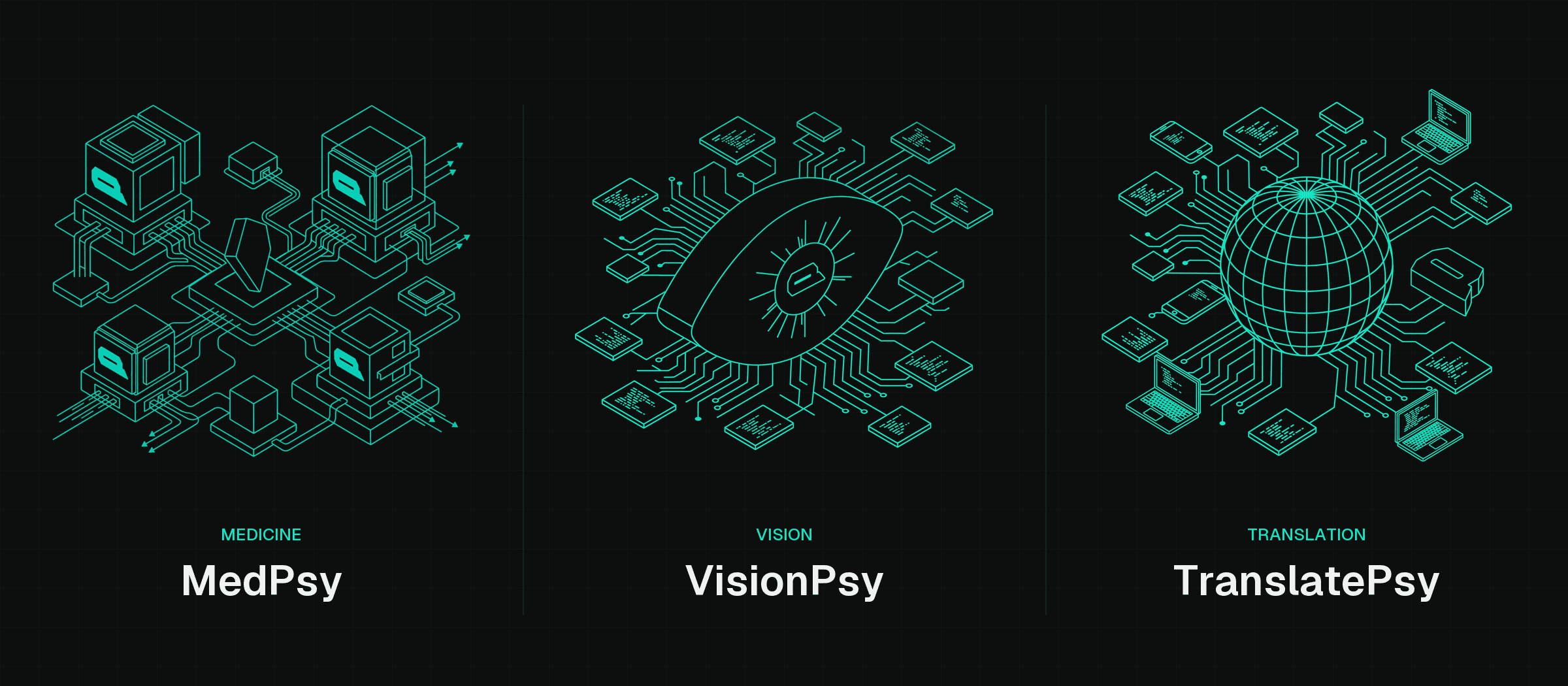
MedPsy answers medical questions offline on a mid-range phone, in English, and across seven medical benchmarks its 1.7B version scores ahead of a model more than twice its size. It does not replace a doctor.
VisionPsy-Nano reads documents, charts and photographs, and starts answering in about a third of a second on an iPhone 15.
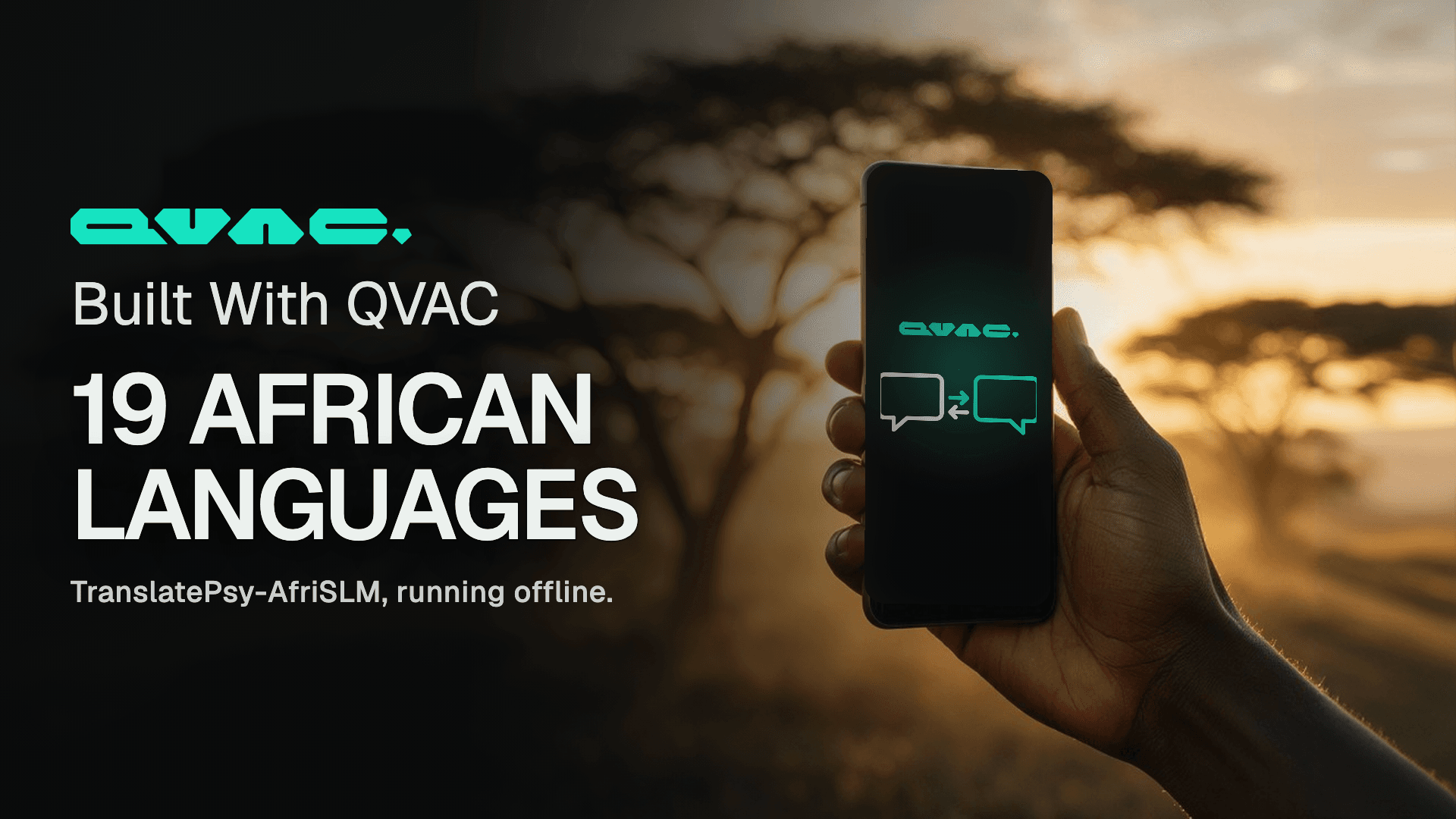
TranslatePsy-AfriSLM translates 19 Sub-Saharan African languages on a phone, and its smallest version matches or beats systems up to 152 times its size.
TranslatePsy-Nano is small enough to add to an app without making the download noticeably bigger, and it runs on the processor rather than the graphics chip, so it works on cheap phones.
Where to start
Pick the job first. Transcription, translation, reading documents and searching your own files need models of a few hundred megabytes, which any phone or 8 GB laptop can hold. For chat, research and writing code, Qwen3.5 4B on an 8 GB laptop covers most of the work. Video needs 32 GB or more.
If you would rather start from working code, github.com/tetherto/qvac-examples holds ready-to-run example apps built on QVAC.
QVAC is free and open source: github.com/tetherto/qvac
We built Genesis III to push small models as far as they can go on STEM. A 1.7B model trained on it answers more than twice as many questions correctly as the same model trained on the open alternative, from an identical token budget.
TranslatePsy-AfriSLM is our translation model for 19 African languages, small enough to run on a phone. We built a demo on it: paste text or photograph a page, and read it in your language, with no connection and nothing to pay.
Our engineering team has been optimising the QVAC audio stack, so we measured it. We put qvac-fabric-speech.cpp against the open-source engines people run for transcription, speech synthesis and music generation, on four machines and six GPU lanes, timing every engine from outside its own process so that nobody's own stopwatch is quoted. QVAC leads on the GPU lanes we measured, across every vendor. Here is each number, and how we took it.
We built Genesis III to push small models as far as they can go on STEM. A 1.7B model trained on it answers more than twice as many questions correctly as the same model trained on the open alternative, from an identical token budget.
TranslatePsy-AfriSLM is our translation model for 19 African languages, small enough to run on a phone. We built a demo on it: paste text or photograph a page, and read it in your language, with no connection and nothing to pay.
Our engineering team has been optimising the QVAC audio stack, so we measured it. We put qvac-fabric-speech.cpp against the open-source engines people run for transcription, speech synthesis and music generation, on four machines and six GPU lanes, timing every engine from outside its own process so that nobody's own stopwatch is quoted. QVAC leads on the GPU lanes we measured, across every vendor. Here is each number, and how we took it.