Intelligence at the Edge,
In a Single API
The centralized cloud is too slow, too fragile, and too controlled. QVAC is the foundational SDK for local-first, decentralized AI. Embed intelligence that runs everywhere. Privately, instantly, and without permission.
 GitHub

npm install @qvac/sdk

import { completion, LLAMA_3_2_1B_INST_Q4_0, loadModel, unloadModel
} from "@qvac/sdk";

// Supports any Pear or HTTP URL
const modelId = await loadModel({
  modelSrc: LLAMA_3_2_1B_INST_Q4_0,
  modelType: "llm",
});

const history = [
  {
    role: "user",
    content: "QVAC, how may entropy be reversed?",
  },
];

const result = completion({
  modelId,
  history,
  stream: true,
});

for await (const token of result.tokenStream) {
  console.log(token);
}

await unloadModel({ modelId });
Cross-platform AI for all your platforms
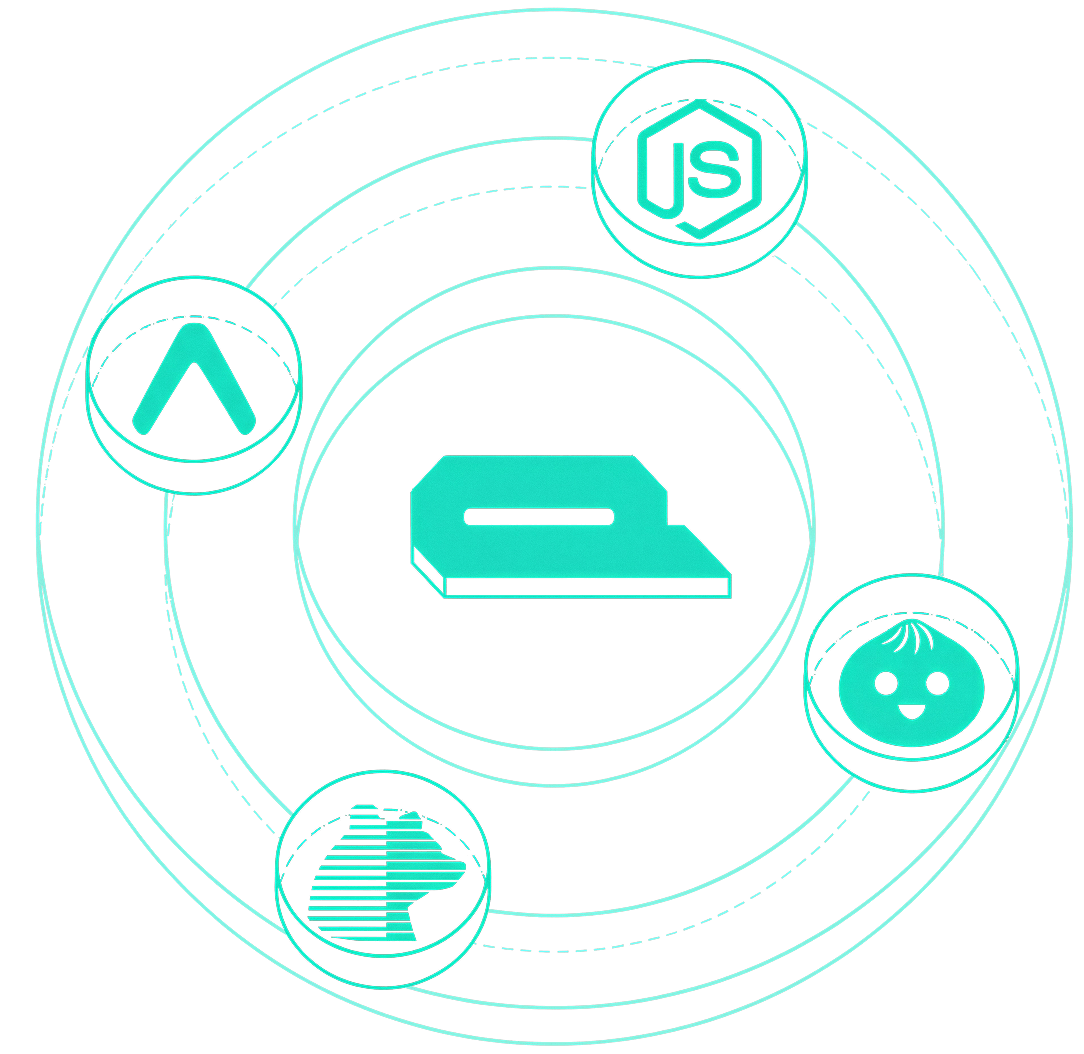
Run AI models natively across any operative system, any platform, and any device. Build on popular JavaScript platforms such as Node.js, Expo, Bare, or Bun. The SDK abstracts away platform complexity while providing consistent AI capabilities whether you're building on desktop, mobile, or a server.
Decentralization that doesn’t get in the way
We baked in the entire Pears.com stack to enable decentralized model sharing, delegated inference and allow for decentralized vector databases. P2P is native but optional. You can also run RAG using your favorite vector database (Chroma, LanceDB, SQLite-vector, and more). And we support fetching models from any HTTP provider, like HuggingFace.

import { loadModel, unloadModel, GTE_LARGE_FP16,
ragSaveEmbeddings, ragSearch } from "@qvac/sdk";

const query = "machine learning algorithms";

const samples = [
  "sample 1",
  "sample 2"
];

const modelId = await loadModel({
  modelSrc: GTE_LARGE_FP16,
  modelType: "embeddings"
});

const docs = await ragSaveEmbeddings({
  modelId,
  documents: samples,
  chunk: false,
});

const results = await ragSearch({
  modelId,
  query,
  topK: 3,
});

results.forEach((result, index) => {
  console.log(`${result.content}`);
});

await unloadModel({ modelId });
Local AI that scales
Create distributed AI inference networks where devices can provide or consume AI services. Enable resource sharing across the network, allowing lightweight devices to access powerful AI models running on other peers.
import { startQVACProvider } from "@qvac/sdk";

const topic = "some-topic";

const response = await startQVACProvider({
  topic,
  firewall: undefined,
});
One SDK, All of AI
Seamlessly integrate multiple AI capabilities including completion, transcription, tool calling, embeddings, and retrieval, translation, vision or text-to-speech using a single entrypoint. It also supports streaming and multimodal inputs.
import { loadModel, textToSpeech, unloadModel,
TTS_PIPER_NORMAN_EN_US_ONNX_MEDIUM,
TTS_PIPER_NORMAN_EN_US_ONNX_MEDIUM_CONFIG } from "@qvac/sdk";

const eSpeakDataPath = "some path";

try {
  const modelId = await loadModel({
    modelSrc: TTS_PIPER_NORMAN_EN_US_ONNX_MEDIUM,
    modelType: "tts",
    configSrc: TTS_PIPER_NORMAN_EN_US_ONNX_MEDIUM_CONFIG,
    eSpeakDataPath,
    modelConfig: {
      language: "en",
    }
  });

  const result = textToSpeech({
    modelId,
    text: `QVAC SDK is the canonical entry point to QVAC`,
    inputType: "text",
    stream: false,
  });

  const audioBuffer = await result.buffer;

  // now you can convert to wav and play

  await unloadModel({ modelId });
}
FAQ
With cloud AI APIs, your data is sent to third-party servers for processing, you pay per request, and you need a constant internet connection. The QVAC SDK runs AI models directly on your own device. That means your data never leaves your hardware, there are no per-request costs, no rate limits, and no dependency on an internet connection once you have a model downloaded. You own the entire pipeline.
The QVAC SDK is a good fit if you're a developer building an application that needs AI capabilities like chat, speech-to-text, text-to-speech, translation, or others, but care about user privacy, offline functionality, or avoiding cloud costs. It's designed for JavaScript/TypeScript developers. If you're building a desktop app, a mobile app, or a backend service and want AI that runs locally, this SDK is built for that.
Yes. The QVAC SDK is completely free and open-source. There are no subscription fees, usage charges, or per-request costs.
The SDK is released under the Apache License 2.0, a permissive open-source license that allows free use, modification, and distribution, including in commercial products.
Yes. The Apache 2.0 license explicitly permits commercial use. You can integrate the QVAC SDK into proprietary, closed-source, or commercial applications without restriction.
No. All AI processing happens locally on your device. Your prompts, documents, audio, and images are never sent to any external server. The only network activity is the initial model download (which can also be done over peer-to-peer) and optional peer-to-peer inference if you choose to enable it.
Yes. Once a model has been downloaded and cached on disk, the SDK works fully offline with no internet connection required. This makes it suitable for air-gapped, field, or restricted-network deployments.
Yes. The SDK supports LLM-based text completion with conversation history, streaming responses, and tool/function calling. You can build interactive chatbots, assistants, and conversational agents. It also supports multimodal conversations where users can send both text and images.
Yes. The SDK is a standard npm package that you install and import into your project. You can add it to an existing backend, desktop app, or mobile app. Also, any tool or app that works with the OpenAI REST API standard can point to a local QVAC server and work without changes.
Yes. The SDK supports both speech-to-text and text-to-speech.
Yes. The SDK includes an OCR capability. Combined with the RAG (Retrieval-Augmented Generation) system, you can ingest documents, index their content, and query them using natural language.
Yes. The SDK includes a neural machine translation engine supporting multiple language pairs, as well as support for LLM-based translation.
Yes. The SDK supports multimodal models that can process both text and images in a single conversation. You can send an image alongside a text prompt and the model will reason about the visual content.
You can use any model you want and load it from a local file path, a URL (such as a HuggingFace link), or through peer-to-peer. For LLMs and embeddings, any GGUF-format model is supported. For TTS and OCR, ONNX-format models are used.
Yes. The SDK supports iOS and Android.
Yes. The SDK runs on macOS, Linux, and Windows. It works with the most common JavaScript backends used in Electron and similar desktop frameworks.
No, a GPU is not strictly required, as the SDK can run inference on the CPU. However, GPU acceleration significantly improves performance. The SDK supports Metal on macOS and iOS (as well as CPU on Intel), Vulkan on Linux, Windows, and Android, and OpenCL on select Android devices.
Peer-to-peer (P2P) means devices can communicate directly without a central server. In the QVAC SDK, this enables two things: you can download models from other users' devices instead of a central server and you can delegate AI tasks to a more powerful device on your network. For example, a mobile phone could offload a heavy AI task to a desktop PC. All P2P connections use end-to-end encrypted, direct links with no data passing through third-party infrastructure.
You just have to follow the steps defined in our installation guide.
It depends on your hardware and the model size. On modern devices with GPU acceleration (Apple Silicon Macs, recent Android/iOS devices), local inference can be very responsive. Larger models require more capable hardware. The key trade-off is that you gain complete privacy, zero latency from network round-trips, and no rate limits.
For the best experience, use a device with a supported GPU and enough RAM to hold your chosen model in memory. Smaller quantized models (e.g., 1B–3B parameters) run well even on modest hardware, including phones. Larger models (7B+) benefit from more RAM and GPU memory (VRAM).