Paolo Ardoino on local AI: highlights from the QVAC AMA
Paolo Ardoino answered the community’s questions about QVAC and local AI: why AI should run on the devices people own, who pays for the compute and what a cheap phone can do today.
Read More
Hermes, the self-improving personal agent from Nous Research, learns your persona, your memory, and your habits. That is a lot of data about you to hand to a cloud. Here is how to run the whole thing on a local model with QVAC, fully on-device, in six copy-paste steps.
Most AI agents you have seen are task tools. You give them a job, they do it, they forget you. Hermes Agent, from Nous Research, is built on a different idea: an agent that is yours, that remembers you, and that gets better the longer you use it.
Three things make it stand out:
All of that personality, memory, and learned skill is data about you. Which raises the obvious question: where does the model behind it run?
When a model only answers questions, where it runs is mostly about privacy and costs. When a model is your personal agent, holding your persona, your memory, and skills it learned from your own habits, it becomes about ownership. If the brain lives in someone else's datacenter, then your assistant's memory of you, and everything it learns from you, flows through a system you do not control: its uptime, its terms, its access policy, all of which can change without you.
Running the model locally changes the property, not just the policy:
The tradeoff is latency and raw capability: a model that fits on a laptop is smaller than a frontier cloud model. For a personal agent that lives with your data, that tradeoff is easy, and it keeps getting better as small models improve.
QVAC is the piece that makes the local half practical. It is an open-source SDK and CLI from Tether that runs models on your own device across every major GPU backend (NVIDIA, AMD, and Intel through Vulkan, Apple Silicon through Metal), and it ships an OpenAI-compatible server. That server is the bridge Hermes plugs into.
Two long-running pieces and you:
The model inference never leaves the machine. (Some skills, like web research, still use the internet for that specific tool, the same way a browser does. The brain stays on-device.)
Hermes is tool-heavy: it sends a large set of tools on every turn, so it pays to run a capable model. The setup below uses Qwen3.6-35B-A3B, a mixture-of-experts model: 35 billion parameters of knowledge, only about 3 billion active per token, so it stays fast for its size. To switch models, change the constant in the config file (step 2 of the setup).
Use case | Model | Recommended RAM | Storage | Config name |
|---|---|---|---|---|
Lightest, runs almost anywhere | Qwen3.5-4B (4-bit) | 8 GB | ~3 GB | QWEN3_5_4B_MULTIMODAL_Q4_K_M |
Balanced | Qwen3.5-9B (4-bit) | 16 GB | ~6 GB | QWEN3_5_9B_MULTIMODAL_Q4_K_M |
Recommended for the full agent | Qwen3.6-35B-A3B MoE (4-bit) | 36 GB | ~22 GB | QWEN3_6_35B_A3B_MULTIMODAL_Q4_K_M |
Be realistic: these are small local models, and tool-heavy agent work is where they struggle most. The 4B is for trying the setup, the 9B mainly adds reliability over the 4B rather than smarts, and the 35B-A3B MoE is the only one that drives the full toolset dependably, so it is what we recommend. It is a capable on-device assistant, not a frontier cloud model.
A GPU helps a lot but is not required. QVAC uses Apple Metal on Apple Silicon and Vulkan on NVIDIA, AMD, and Intel. Run qvac doctor to see what your hardware supports. On the 35B-A3B, expect the first turn to take around 20 seconds (Hermes sends a large system prompt plus its tools), and faster turns after. For a snappier agent, narrow the active skills.
Install the QVAC CLI
Create the model config
Start the QVAC server
Install Hermes Agent
Point Hermes at QVAC
Talk to your local agent
npm install -g @qvac/climkdir -p ~/qvac-hermes && cd ~/qvac-hermes
cat > qvac.config.json <<'EOF'
{
"plugins": ["@qvac/sdk/llamacpp-completion/plugin"],
"serve": {
"models": {
"qwen3.6-moe": {
"model": "QWEN3_6_35B_A3B_MULTIMODAL_Q4_K_M",
"type": "llamacpp-completion",
"default": true,
"preload": true,
"config": { "tools": true, "toolsMode": "static", "ctx_size": 32768, "gpu_layers": -1, "reasoning_budget": 0 }
}
}
}
}
EOFmkdir -p ~/qvac-hermes && cd ~/qvac-hermes
cat > qvac.config.json <<'EOF'
{
"plugins": ["@qvac/sdk/llamacpp-completion/plugin"],
"serve": {
"models": {
"qwen3.6-moe": {
"model": "QWEN3_6_35B_A3B_MULTIMODAL_Q4_K_M",
"type": "llamacpp-completion",
"default": true,
"preload": true,
"config": { "tools": true, "toolsMode": "static", "ctx_size": 32768, "gpu_layers": -1, "reasoning_budget": 0 }
}
}
}
}
EOFmkdir $HOME\qvac-hermes; cd $HOME\qvac-hermes
@'
{
"plugins": ["@qvac/sdk/llamacpp-completion/plugin"],
"serve": {
"models": {
"qwen3.6-moe": {
"model": "QWEN3_6_35B_A3B_MULTIMODAL_Q4_K_M",
"type": "llamacpp-completion",
"default": true,
"preload": true,
"config": { "tools": true, "toolsMode": "static", "ctx_size": 32768, "gpu_layers": -1, "reasoning_budget": 0 }
}
}
}
}
'@ | Set-Content -Encoding utf8 qvac.config.jsonqvac serve openai --model qwen3.6-moecurl -fsSL https://hermes-agent.nousresearch.com/install.sh | bashhermes config set model.provider custom
hermes config set model.base_url "http://localhost:11434/v1"
hermes config set model.default qwen3.6-moe
hermes config set model.api_key qvachermesYou now have a personal AI agent running entirely on your own machine. A good first test is the obvious one: ask it whether it is in the cloud or local, then enable airplane mode and ask again. It keeps answering, because the inference was never leaving your device.
From there, the things that make Hermes Hermes all run on the same local model:
For speed, narrow the active skills to what you actually use (hermes skills, hermes tools); a smaller toolset means a smaller prompt and faster turns on a local model.
Paolo Ardoino answered the community’s questions about QVAC and local AI: why AI should run on the devices people own, who pays for the compute and what a cheap phone can do today.
Read More
TranscribePsy is a 254M-parameter speech recognition model that turns speech into text on a phone or a laptop, in 25 European languages on a laptop and 8 on a phone.
Read More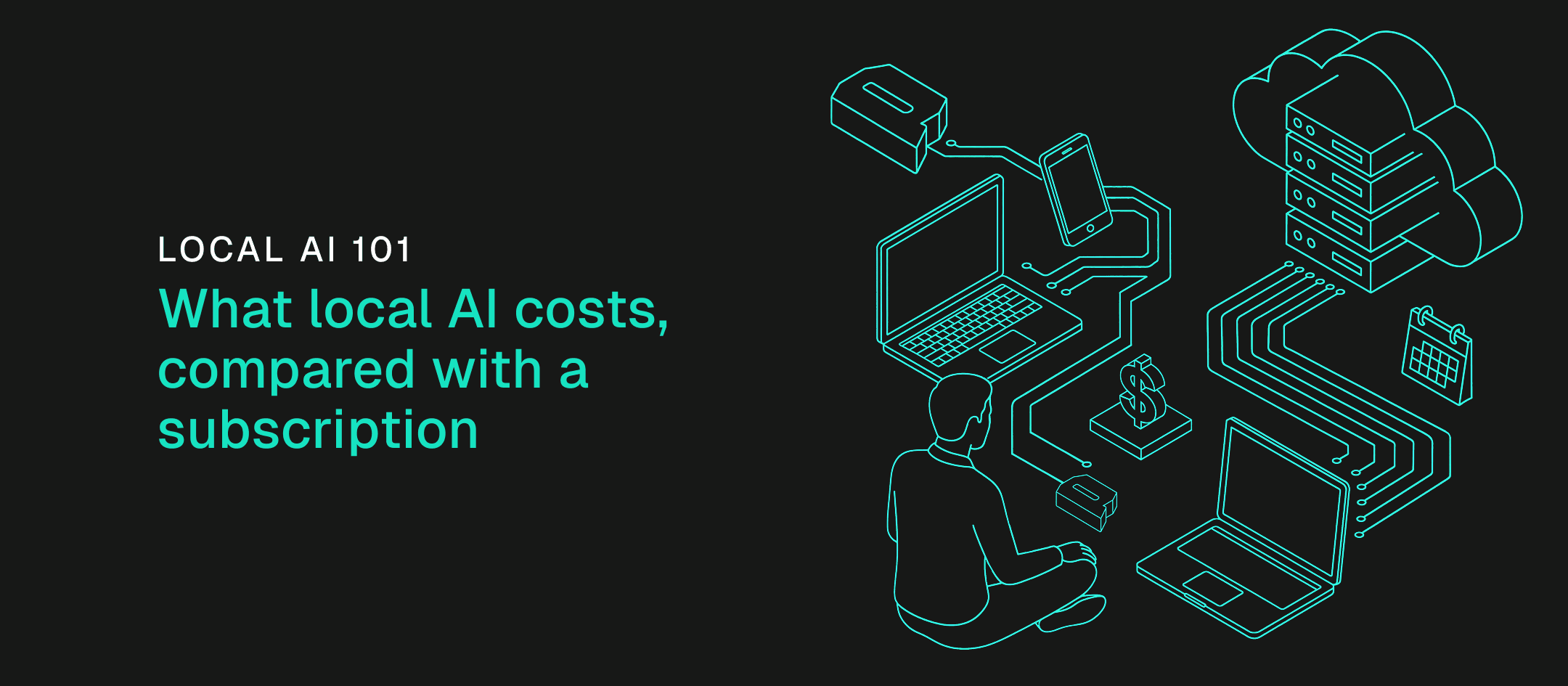
We priced four usage profiles by the tokens they burn each month to find when your own machine costs less than an API or a subscription, and which machine each profile needs.
Read MorePaolo Ardoino answered the community’s questions about QVAC and local AI: why AI should run on the devices people own, who pays for the compute and what a cheap phone can do today.
Read MoreTranscribePsy is a 254M-parameter speech recognition model that turns speech into text on a phone or a laptop, in 25 European languages on a laptop and 8 on a phone.
Read MoreWe priced four usage profiles by the tokens they burn each month to find when your own machine costs less than an API or a subscription, and which machine each profile needs.
Read MoreStay updated
New versions, breaking changes and migration notes - straight to your inbox. No spam, unsubscribe anytime.